Nord VPN – IP Addresses, Servers, How many users share
I've been a NordVPN user for a long time, for various reasons. The speed is unparalleled, in my opinion, and it's the one thing that stops me routing everything through the OpenVPN box I run myself.
Something I'd never thought about, though: when I connect to "United Kingdom #2295", what am I connecting to, and who else is on it?
I went digging.
What you can see from the outside
I'm currently on United Kingdom #2295.
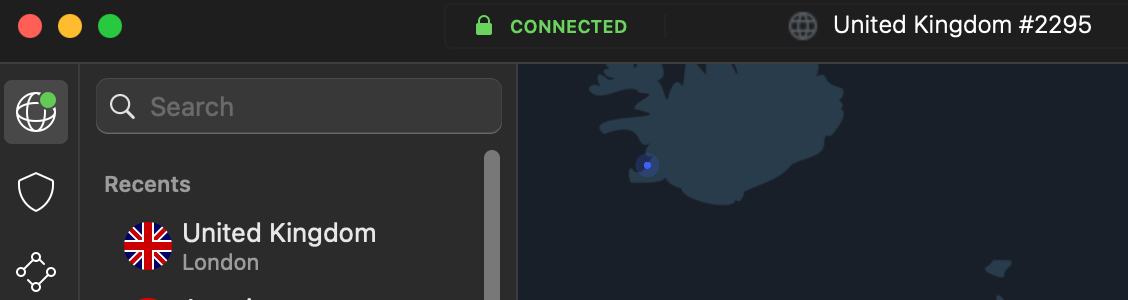
According to whatismyipaddress.com, my IP address is 185.137.36.68.
There's an unofficial list of NordVPN IP ranges knocking about on GitHub: https://gist.github.com/JamoCA/eedaf4f7cce1cb0aeb5c1039af35f0b7
This IP doesn't appear on it.
Nor does Shodan have any record of it:
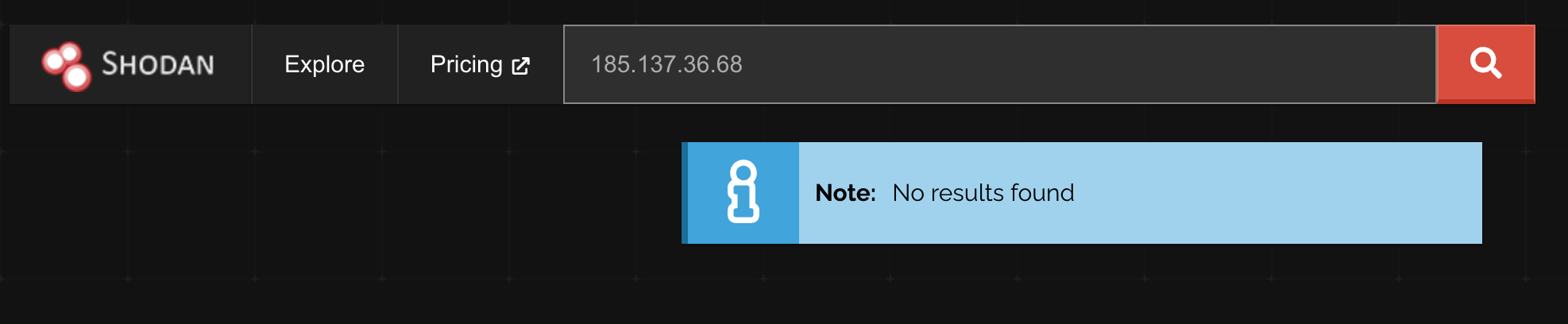
Reassuring, up to a point. Shodan indexes anything with an open port answering on the public internet, so a VPN exit node with nothing listening is what you'd hope to see. It also means you can't enumerate these nodes from the outside, which I assume is deliberate on Nord's part.
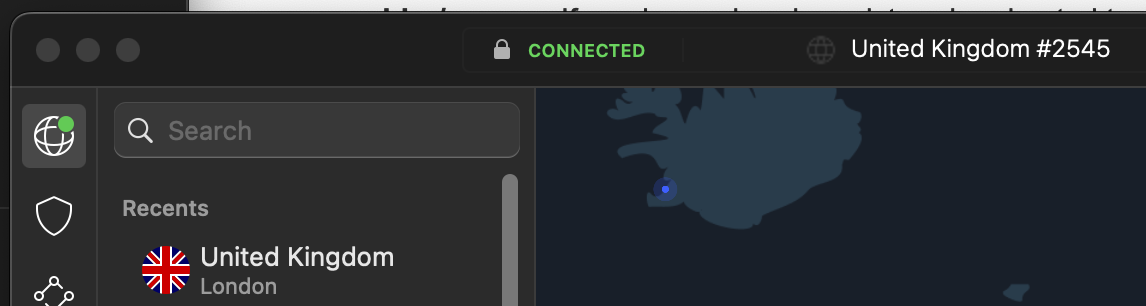
Disconnect and reconnect, and you get a different server, and a different IP:
So how many people share a server?
There's no way of knowing for certain. Nord don't publish it, and you can't measure it from a client.
What I can tell you, from cycling servers over a few days:
- Reconnecting often lands me on the same server number more than once, so the UK pool I'm being handed isn't enormous.
- Connecting from two devices at the same time, I've seen both land on the same server number.
Neither of those is science. It does tell you the pool is small enough for collisions to show up with a sample size of one person clicking a button.
Then there's the other side of the equation. I asked Google how many customers NordVPN has, and they publish it on their press page:
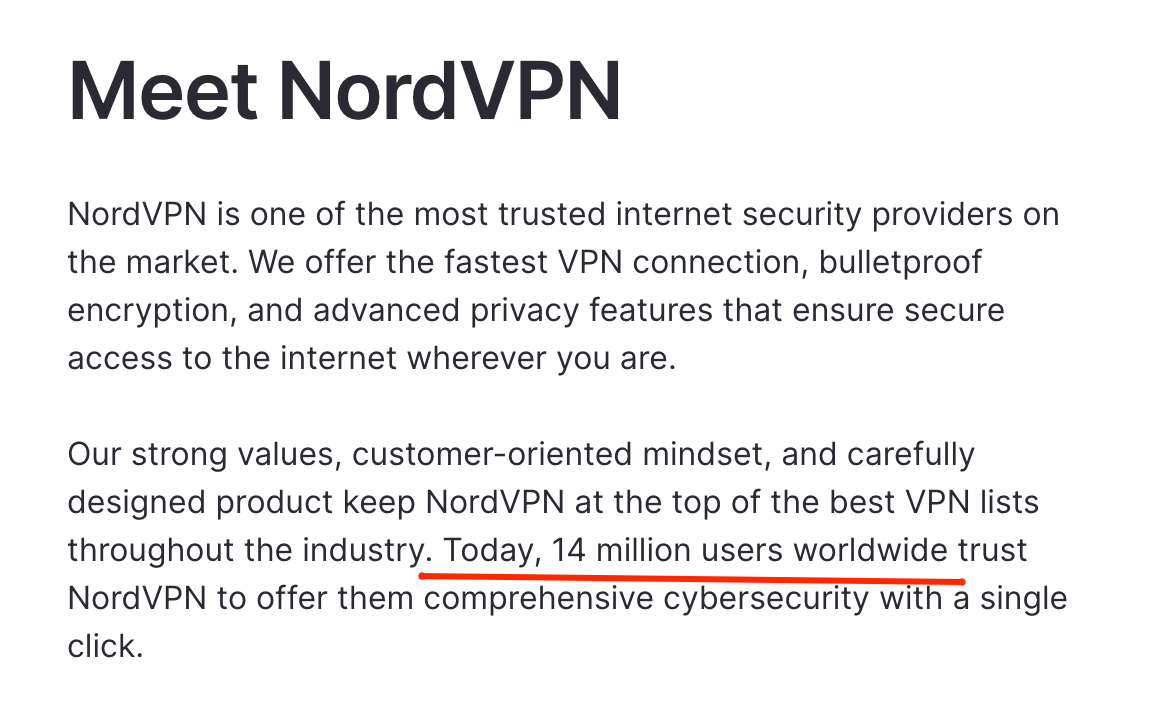
Fourteen million users worldwide.
That's a staggering number of people. Even with thousands of servers, and even assuming everyone isn't connected at once, the odds you're sharing "your" IP with a large slice of those 14 million are high. Which makes the performance Nord manages to deliver more impressive than it first appears.
Why this matters
Not hugely. It isn't nothing, either.
Websites these days don't rely on a single IP address to identify a user. Fingerprinting got a lot more sophisticated than that, and I've written before about how user-agent alone gets you nowhere. But an IP address can form part of that identity, and it bites in two ways.
Sessions bound to an IP. Some sites still fold the client IP into the token that authenticates you. Change IP, token's invalid, you're logged out. Presumably that's "for security", and it does defend against a stolen session cookie being replayed from somewhere else. It also falls over the moment your VPN reconnects mid-session, or your phone hands off from wifi to 4G. If you use a VPN and find yourself constantly logged out of something, this is usually why.
The flip side is more interesting. When a site treats an IP address as part of your identity, and a thousand other people share that IP, a thousand strangers hold a fragment of your identity at that site. Blame the site rather than NordVPN, since it's a website doing something naive with an IP address, but the VPN turns a theoretical weakness into a practical one.
Shared IP, shared reputation. This is the one you notice day to day. If someone on your exit node has been scraping, spamming, or credential stuffing, everyone on that IP inherits the score.
In practice that means CAPTCHAs everywhere, "unusual activity" prompts on banking sites, and outright blocks. I've written about that too: Amazon blocks my own VPN, which was a Lightsail box with exactly one user on it. A commercial exit node carrying thousands of people at once is a far more obvious target, and the fix is always the same. Disconnect, or hop servers until you find a clean one.
The irony is obvious. You use a VPN so that sites can't single you out by IP, and it works. The cost is that you inherit the behaviour of everyone else hiding behind the same address, and a good chunk of the internet responds to that by treating you as suspicious.
Summary
You can't find out how many people share your VPN IP, and neither can anyone else. What you can conclude is that it's a lot, that the number changes every time you reconnect, and that any site relying on your IP address to know who you are will behave strangely as a result.
For anonymity, that's the feature working as intended. For getting through checkout on a site that's decided your IP looks dodgy, it's the reason you're clicking traffic lights.