Sick of all the event invitations from various promoters / clubs you happen to be friends with on Facebook?
Here’s how to block them:
Step 1
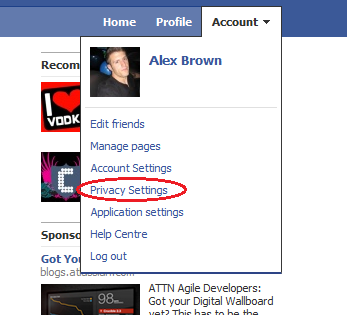
Click on “Privacy Settings” under the “Account” drop down menu (top right hand corner)
Step 2
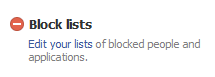
Click on Edit your lists, under Block lists
Step 3
You can enter the names of friends to block event invites from.

[…] Alex James Brown provided the answer. […]